01
Bring the source
Start with the room photo you want to think through.
Listing Curator turns a property photo into a design study: one considered direction to review, refine with a note, and keep only if it feels right for the listing. Start with a possibility, not a promise of perfect staging.
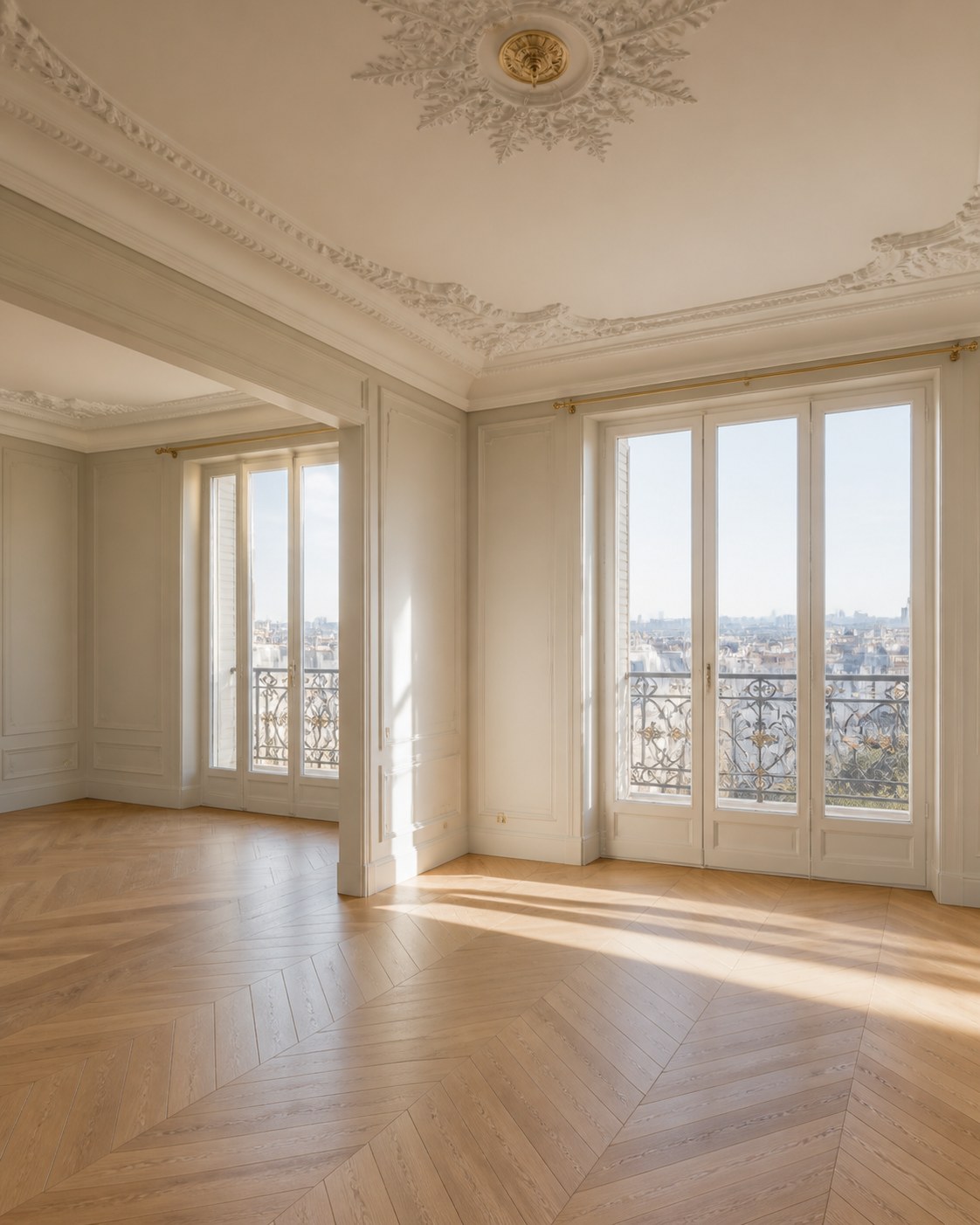
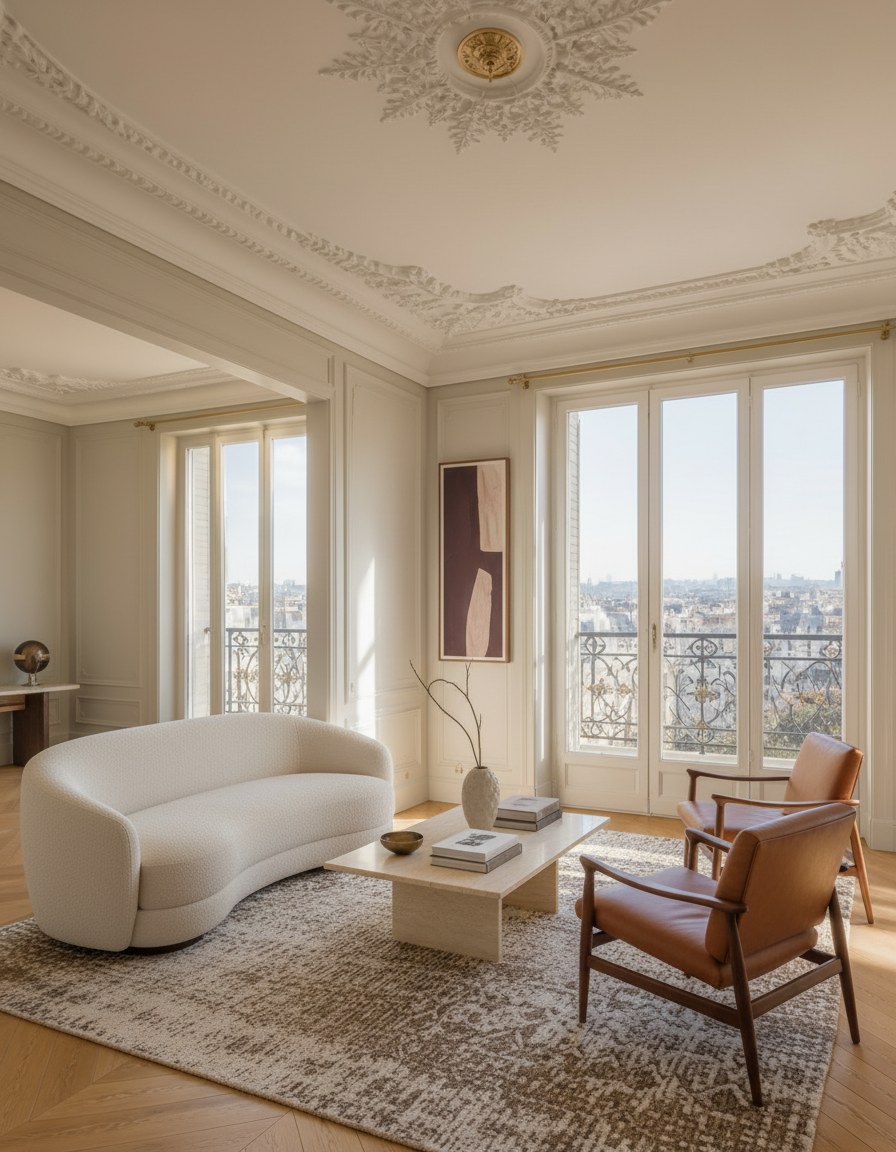
Not a finished room. A starting point for a better conversation.
Inspiration photos: Point3D Commercial Imaging Ltd. and Spacejoy via Unsplash.
Listing Curator field notes · 01
Bring the image, choose a design lens, and leave one useful note. Listing Curator will return a concept for you to consider beside the source.
Choose a photo to study
Drop it here, or browse your files
03 Design lens
Photos are uploaded to a unique public URL for AI processing and are not automatically deleted. Avoid confidential or unpublished images.
Ready for a first study
Add a photo, choose a design lens, and review a new direction beside your source image.
01
Start with the room photo you want to think through.
02
Pick a design lens and leave one note in your own words.
03
Review the concept beside your photo; download only if it helps.